
Zero Lag Guide: Phone Settings to Stop Disconnections in Cash Matches
By Rummy Perfect Insights • Updated March 2026 • 6 min read
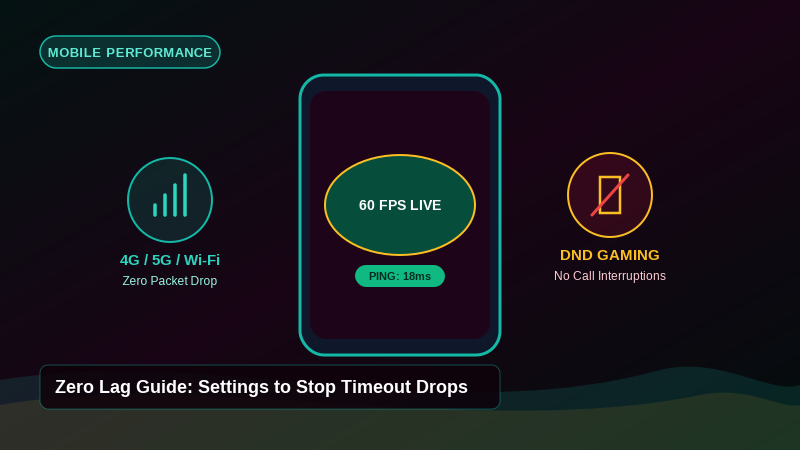
Picture this: you have arranged 12 cards, you need just one card to declare, and you are playing for real cash winnings. Suddenly, an incoming spam phone call rings, your screen freezes for 10 seconds, and when you get back, your turn timer has expired and the system auto-dropped your hand!
There is nothing more frustrating than losing hard-earned chips due to phone lag, connection stutter, or battery saver interruptions. The good news is that with a few simple 1-minute Android settings, you can ensure butter-smooth 60 FPS gameplay with zero disconnects. Here is your ultimate tune-up guide!
1. Turn On "Do Not Disturb" (DND) or Gaming Mode
Most modern phones from Xiaomi, Realme, Samsung, Vivo, and OnePlus come with a built-in "Game Space" or "Game Turbo" feature. If your phone doesn't have it, simply toggle Do Not Disturb (DND) from your notification shade before starting a cash match.
- DND mutes floating WhatsApp popups and marketing calls so your game screen never gets blocked.
- If an emergency call comes from a family member (two calls within 3 minutes), DND will still let it through.
2. Remove Battery Saver Restrictions for Rummy Perfect
Android's aggressive battery optimizer often puts apps into a deep "sleep" if you switch to another app for even 5 seconds. To prevent this:
- Go to your phone's Settings > Apps > Rummy Perfect.
- Tap on Battery or Battery Saver.
- Select "No Restrictions" or "Don't Optimize".
- This guarantees that the APK keeps its network socket connection alive without stuttering.
3. Clear Background Apps Before Entering Big Tables
If you have YouTube, Instagram, and five shopping apps running in the background, your phone's RAM is constantly swapping data. Tap your phone's "Recent Apps" button and hit "Clear All" before opening Rummy Perfect. Free RAM gives the card animations buttery 60 FPS smoothness.
4. The 30-Second Pre-Match Checklist
- ✓ Battery above 20%: Many phones throttle processor speeds below 20% to save juice.
- ✓ At least 3 signal bars: Avoid playing inside elevators or basement parking lots where signal drops suddenly.
- ✓ Latest APK version: Ensure you are running Rummy Perfect v6.2 with the latest performance and socket fixes.
Put This Strategy Into Action Today!
Download Rummy Perfect APK (45.2 MB) →